 Skip to content

Planning to sell your iPhone? Before requesting a cash offer, it’s worth checking whether your phone is unlocked to use with different mobile providers.
A carrier-locked iPhone may only work with the network it was originally supplied for, which can cause problems for the next owner.
The easiest way to check is through Settings > General > About. You don’t need an extra app or another SIM card.
Here’s what to look for.
How to Check If Your iPhone Is Unlocked
On an iPhone running iOS 14 or later, follow these steps:
- Open Settings on your iPhone.
- Tap General.
- Select About.
- Scroll down to Service Provider Lock. On some iPhones, this may be labelled Carrier Lock.
- Check the message displayed next to it.
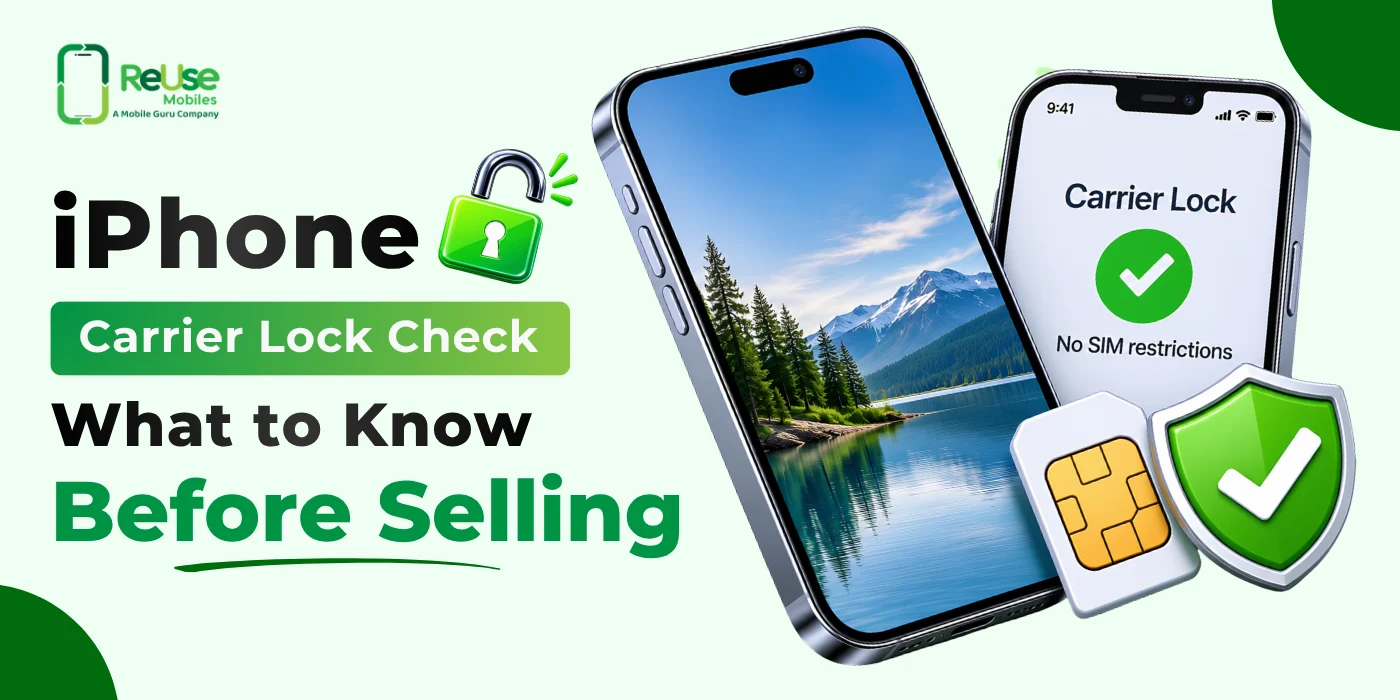
If it says “No SIM restrictions”, your iPhone is carrier unlocked.
That means it can be used with compatible mobile networks, rather than being restricted to a single provider.
If the status shows something else, contact your mobile provider to confirm whether the iPhone is locked.
Another Way to Tell If Your iPhone Is Unlocked
If you want to double-check, you can try a SIM card from another mobile network.
For example, if you currently use Telstra, you could test an active SIM from Optus or Vodafone.
- Remove your current SIM card.
- Insert a working SIM from a different provider.
- Allow the iPhone to connect to the network.
- Try making a call.
If the new SIM works normally, your iPhone isn’t restricted to the original provider.
If you see an unsupported SIM message, the phone may be carrier locked. However, a No Service message alone doesn’t prove a lock; it could be caused by activation, coverage, or SIM problems.
For iPhones without a physical SIM tray, use the Settings method or check with your provider.
What If Your iPhone Is Carrier Locked?
If your iPhone is locked to a particular network, you’ll need to contact the mobile provider responsible for the lock.
Ask them to unlock the device and provide its IMEI number if requested.
You can find your IMEI under Settings > General > About.
The provider will explain its eligibility requirements, any applicable fees, and how long the process may take.
Apple cannot remove a carrier lock for you. Only the relevant mobile provider can authorise the unlock.
Once the provider confirms your iPhone has been unlocked, check the Service Provider Lock status again.
Does Factory Resetting an iPhone Remove the Carrier Lock?
No. Erasing your iPhone doesn’t automatically remove a network restriction.
A factory reset removes your personal data and settings, but carrier unlocking is a separate process.
Before selling, make sure you have confirmed the phone’s network status rather than assuming it’s unlocked because you’ve reset it.
Why Check Carrier Lock Before Selling Your iPhone?
An unlocked iPhone can be used with compatible SIM cards and mobile plans from different providers. That makes it more flexible for the next owner.
If you’re planning to sell your iPhone for cash with ReUse Mobiles, check its network status first. ReUse Mobiles requires phones to be network unlocked before they’re accepted.
Once you’ve confirmed that, you can select your iPhone model, storage, and condition to check its current cash value.
Before handing it over, remember to back up your information, turn off Find My, sign out of your Apple Account, and erase your personal data.
Check Your iPhone Before You Sell
You don’t need to guess whether your iPhone is unlocked.
Open Settings > General > About and look for “No SIM restrictions” under Service Provider Lock.
If your iPhone is still locked, contact the original provider before arranging a sale. A quick check now can help avoid delays when your device is inspected.
Frequently Asked Questions
Go to Settings > General > About > Service Provider Lock. If you see “No SIM restrictions”, the iPhone is unlocked. You don’t need another SIM card to perform this check.
Yes. This means the iPhone isn’t restricted to a particular mobile provider. It doesn’t necessarily confirm that the device is free from other restrictions, such as Activation Lock or an IMEI block.
Yes. On iPhones running iOS 14 or later, check the Service Provider Lock setting. If you’re using an older iOS version without this information, contact the original provider to confirm its unlock status.
No. Carrier Lock restricts which mobile networks an iPhone can use. Activation Lock is Apple’s security feature linked to Find My and an Apple Account. Both need to be considered separately before selling.