 Skip to content

Surface Devices We Assess
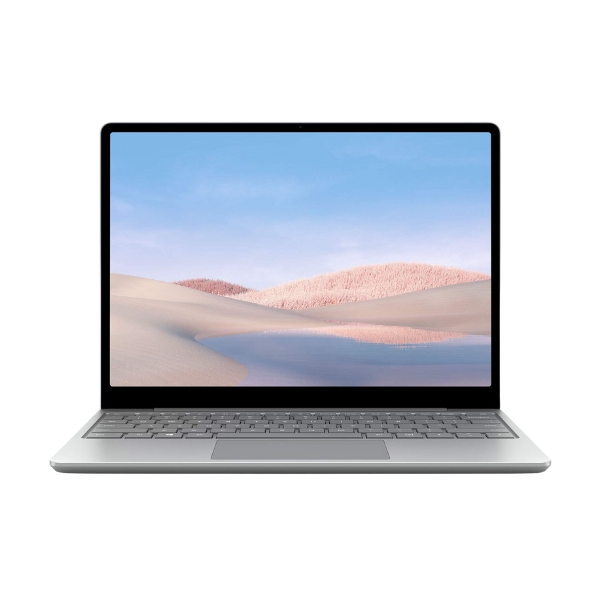
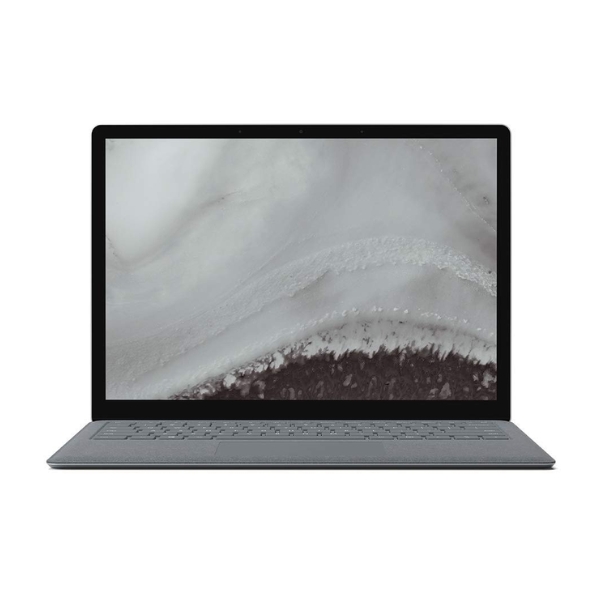
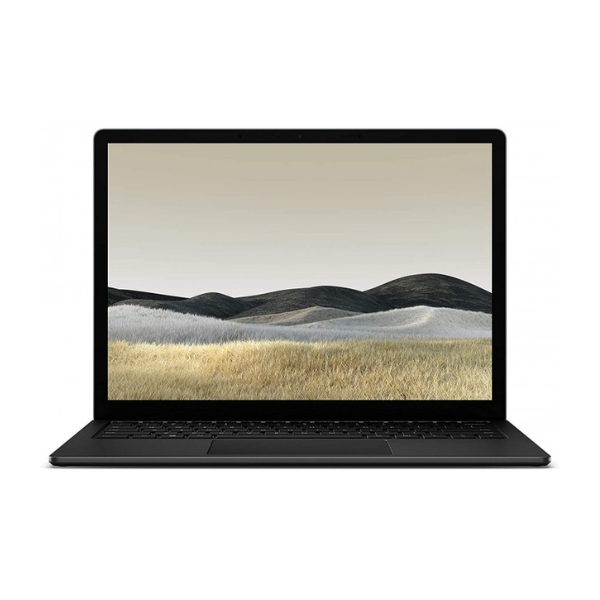
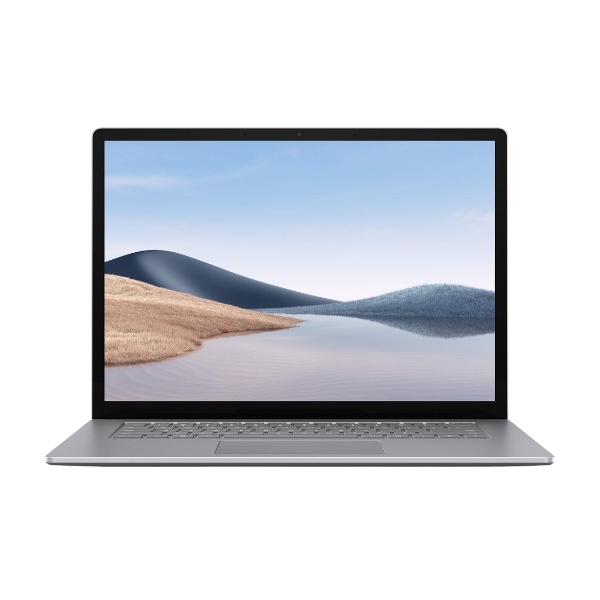
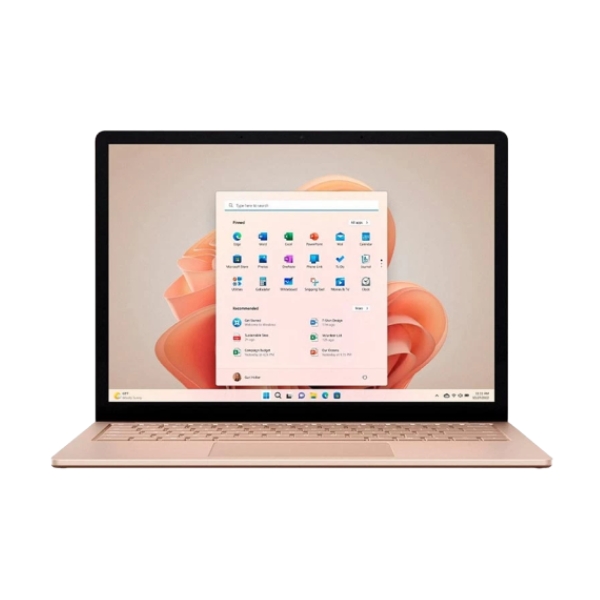
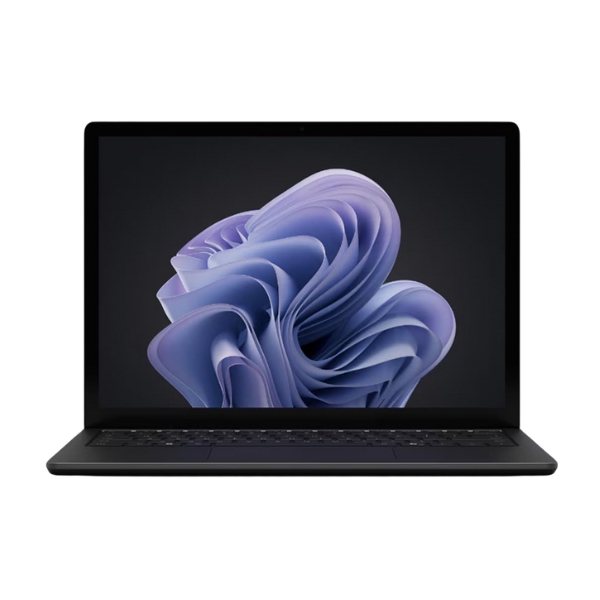
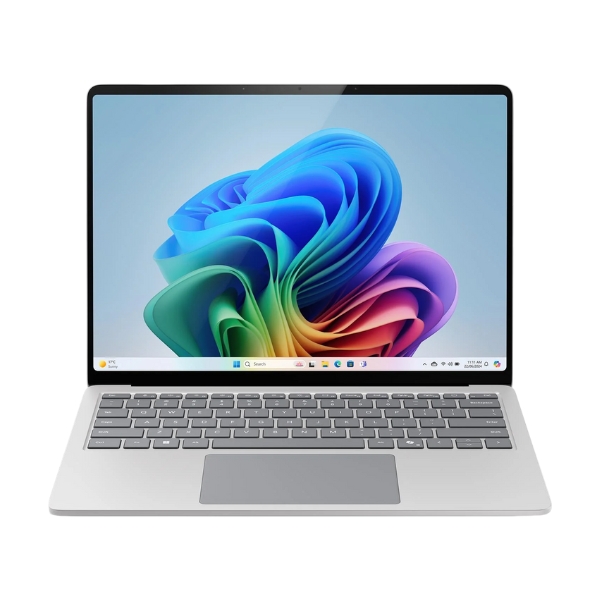
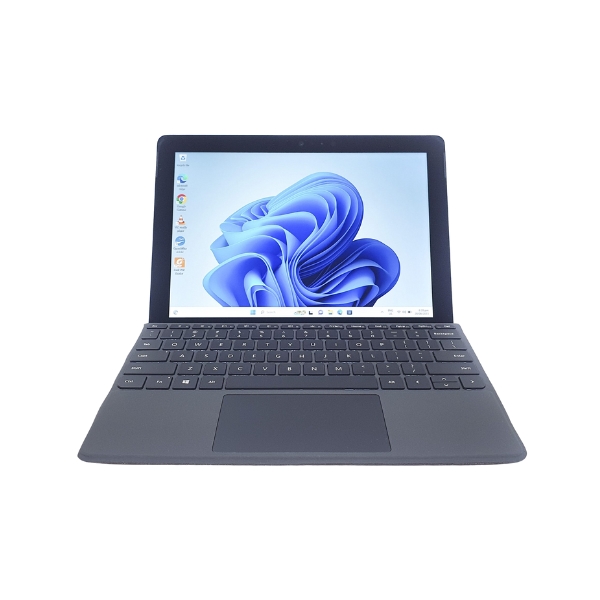
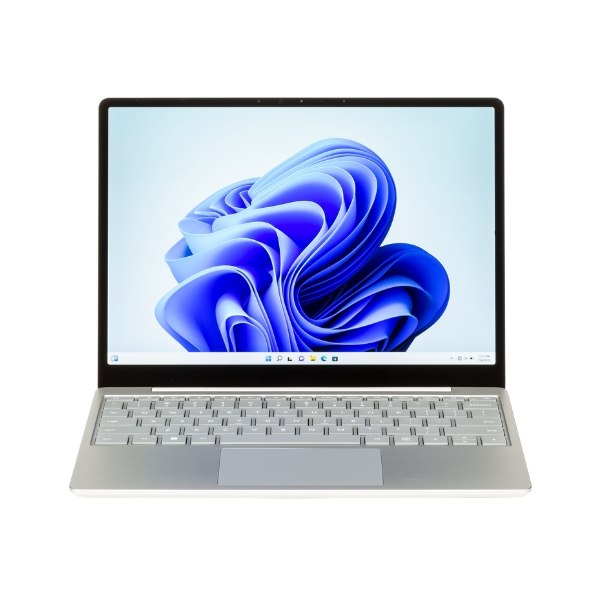
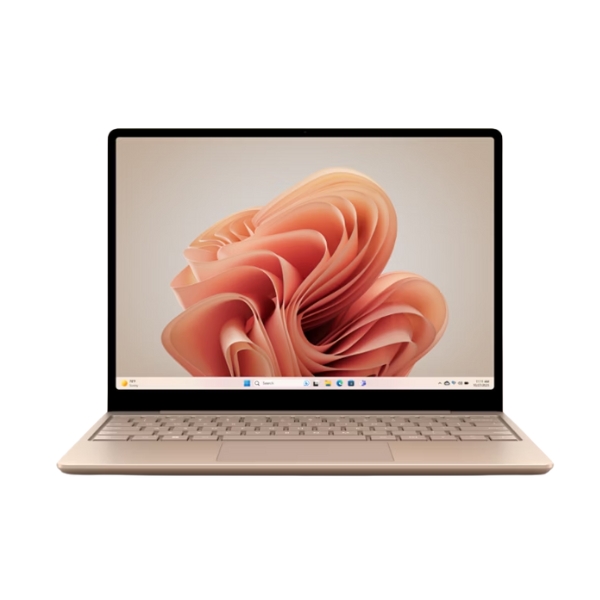
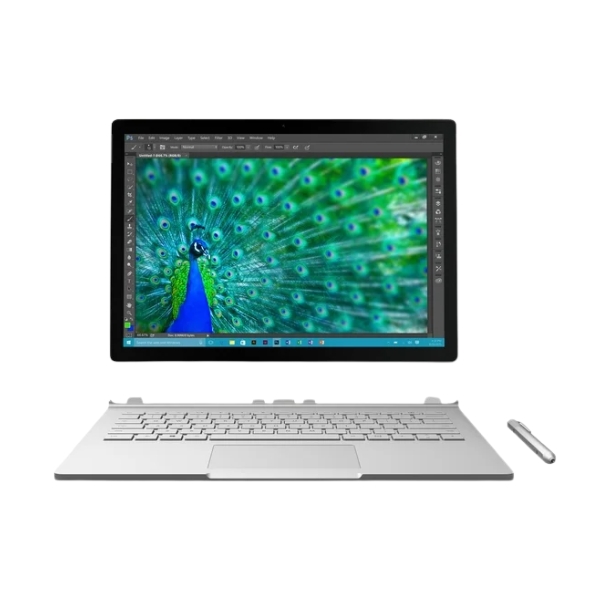
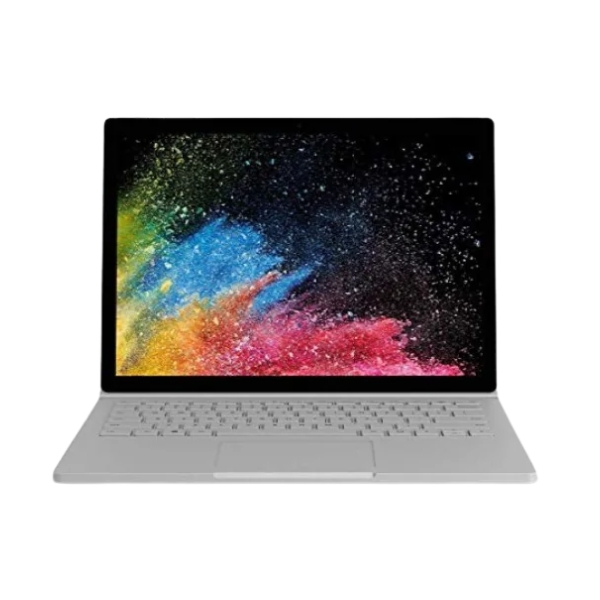
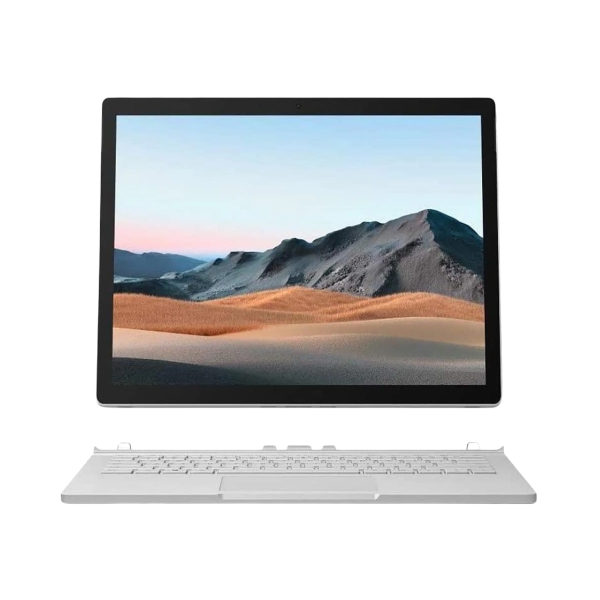
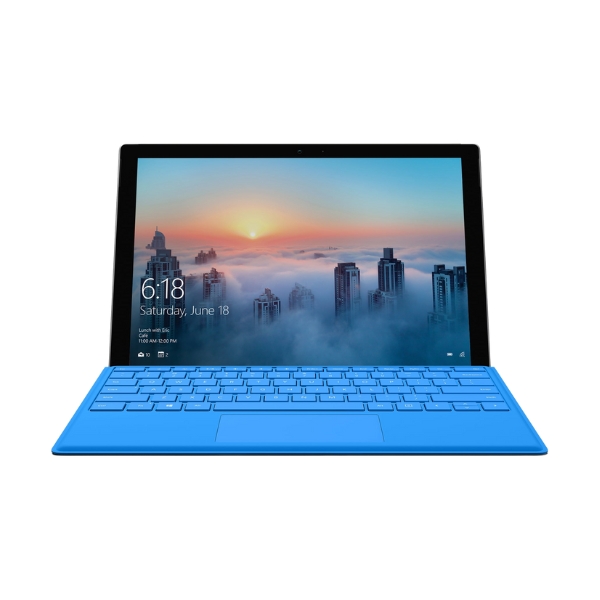
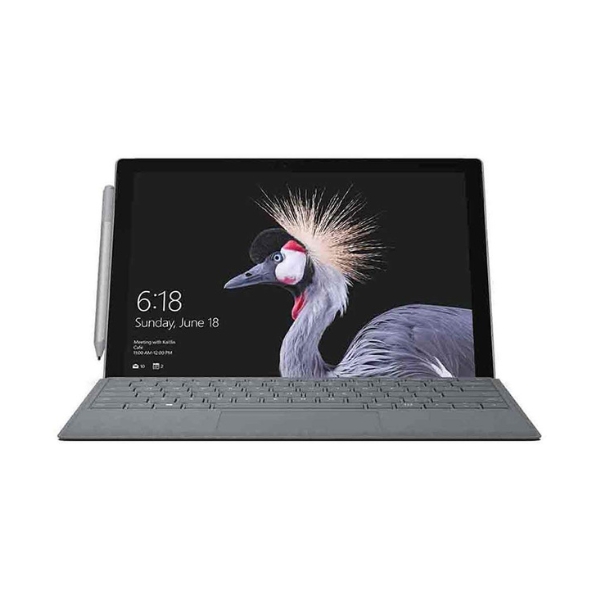
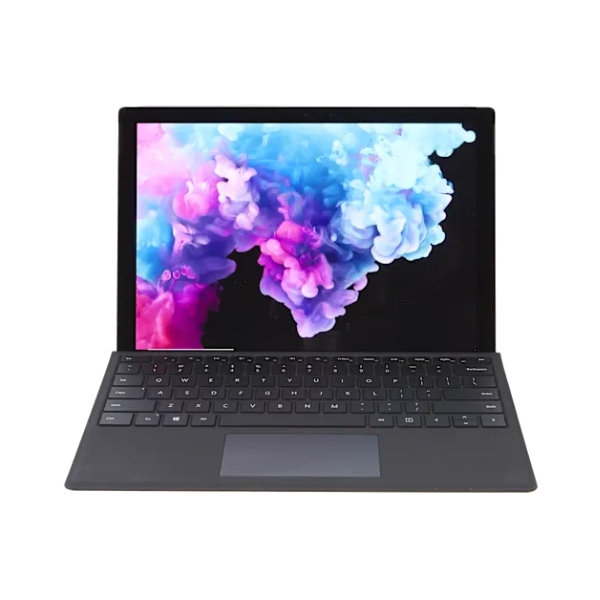
ReUse Mobiles accepts selected Microsoft Surface devices across different model families. These may include Surface Pro, Surface Go, Surface Book, and Surface Laptop models, depending on current demand and device condition.
Surface Pro devices are often used as flexible tablet-style computers with detachable keyboard covers. Surface Laptop models are closer to a traditional laptop format, while Surface Go and Surface Book devices may vary by age, size, and specification.
Because Surface models can look similar, choosing the correct device during the quote process is important. Selecting the wrong model, storage, or condition may change the final offer after assessment.
Surface Checks That Can Change the Final Offer
| Surface Detail | Why It Matters |
| Model family | Surface Pro, Go, Book, and Laptop models can have different demand. |
| Storage size | Higher storage may increase value on some models. |
| RAM and processor | Higher specifications can affect assessment. |
| Screen condition | Cracks, pressure marks, flickering, or dead pixels may reduce value. |
| Battery behaviour | Weak battery life or charging issues can affect the offer. |
| Ports and charging | Damaged charging ports, USB ports, or display output can reduce value. |
| Keyboard cover | A working keyboard cover may help with selected models. |
| Surface Pen | A working pen may add completeness where relevant. |
| Charger | Including the correct charger can help avoid testing delays. |
| Cosmetic wear | Dents, scratches, and casing damage may affect the final value. |
A clean, working Surface with the correct charger and accessories will usually be easier to assess. A damaged Surface may still have value, but the final offer will depend on the issue.
Can You Sell a Damaged Microsoft Surface?
Yes, a damaged Microsoft Surface may still be worth checking. Cracked screens, weak batteries, charging faults, keyboard cover issues, touchscreen problems, speaker faults and cosmetic damage can all be assessed.
A damaged Surface will usually be worth less than one in good condition. However, that does not always mean it has no value. Some devices can still be repaired, reused or recovered for parts.
If your Surface does not power on, charges slowly, or has a damaged screen, choose the condition carefully when getting your quote. Accurate details help avoid delays once the device is received.
Selling a Surface Used for Work or Study
Many Surface devices are used for work, school, university, or business. Before selling, make sure any personal files, saved passwords, work accounts, and cloud access are removed.
If your Surface was connected to a workplace or school account, check whether it has device management or account restrictions. These can prevent proper testing if they are not removed before assessment.
Back up your documents first, then remove your Microsoft account and complete a reset where possible. This protects your information and helps the process run smoothly.
Surface Accessories: What Should You Include
You can still check your Surface value if you do not have every accessory. The device itself is the main item, but accessories can help with testing and completeness.
Useful accessories may include:
Compatible Surface Charger
Keyboard cover
Surface Pen
Dock or Adapter
Protective Case
Original Box, if available
Do not include accessories you still need unless they are part of the sale. If an accessory is faulty, mention it clearly.
Before Sending Your Surface
Before sending your Microsoft Surface, complete these steps where possible:
- Back up your files, photos, and documents.
- Sign out of your, Microsoft account.
- Remove work, school or business profiles.
- Turn off passwords, PINs, and screen locks.
- Factory reset the device.
- Pack the Surface securely with any included accessories.
If your Surface does not turn on, you may not be able to reset it. In that case, clearly describe the fault when completing your quote.
Why Sell Your Surface to ReUse Mobiles
ReUse Mobiles gives customers a simple way to sell used devices without managing marketplace listings, buyer messages or in-person negotiation.
You can check your Surface value online, send your device with free Australia-wide shipping and receive payment after approval. If the final offer changes after assessment and you do not want to accept it, your device can be returned.
ReUse Mobiles is a 100% Australian-owned business operating under Victorian Second-Hand Dealers Licence SHD-0016601. Customers can also contact our team or visit us in South Melbourne for support.
Check Your Microsoft Surface Value
Your Microsoft Surface may still be worth cash, even if it is older, cracked, faulty, or no longer used. The best way to know is to check the model, condition, and specifications.
ReUse Mobiles makes it easy to get a Surface cash quote online, send your device from anywhere in Australia, and receive payment after approval.
Microsoft Surface FAQs
Check Your Microsoft Surface Value Instantly

PRIVACY PROTECTION

FREE SHIPPING

FAST PAYMENT
How Does Our Microsoft Surface Selling Process Work?
Our Surface selling process at ReUse Mobiles includes the following steps:

Select Your Surface Model
Choose your model and condition to receive an instant Surface value estimate.
Step: 1

Confirm Your Sale
Accept the quote and receive a free prepaid shipping label for anywhere in Australia.
Step: 2

Get Paid
Once your MacBook is approved, payment is processed within 24 hours directly to your account.
Step: 3
How Your Surface Specs Affect Its Value
Microsoft Surface value is closely linked to the device specifications. Model family, storage, RAM, processor, screen condition, battery behaviour, charger, keyboard cover and overall functionality can all affect the final offer when you sell your Microsoft Surface for cash.
At ReUse Mobiles, each Surface device is assessed individually instead of using one broad quote for every model. Whether you have a Surface Pro, Surface Go, Surface Book or Surface Laptop, checking your Surface cash value can help you decide whether selling now makes sense.